
1. Desktop-Based Software Development
What It Is
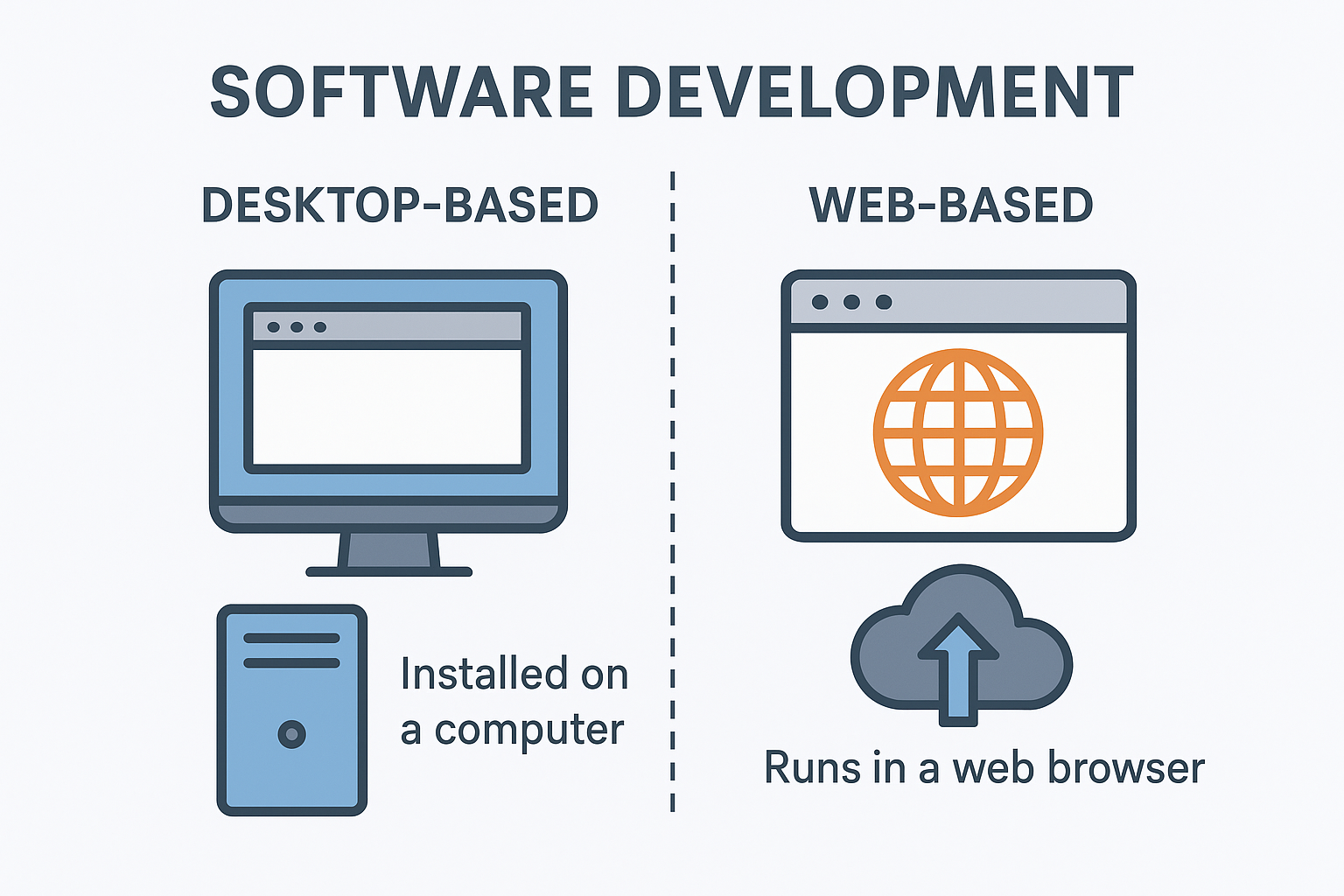
Desktop-based software refers to applications that are installed directly on a user’s computer system—such as Windows, macOS, or Linux. These programs run locally on the device and do not rely on continuous internet connectivity for most of their operations.
Common Uses
-
Accounting and financial management tools
-
Inventory and stock control systems
-
Offline editors and utility software
-
PC gaming applications
-
High-performance tools like video editors, graphic design suites, and CAD systems
? Popular Technologies
For Windows (.NET based):
-
C# with .NET Framework or .NET Core
-
WPF (Windows Presentation Foundation)
-
WinForms (Windows Forms)
-
UWP (though now less commonly used)
Cross-platform options:
-
JavaFX / Swing (Java)
-
Qt (C++ or Python)
-
Electron (JavaScript / Node.js)
-
Python Tkinter / PyQt
Pros
-
High processing speed and smooth performance
-
Can run without the internet
-
Direct interaction with system hardware and OS features
-
Reliable for internal enterprise applications
Cons
-
Must be installed on each device
-
Updating multiple systems can be challenging
-
Often tied to a specific operating system unless cross-platform tools are used
2. Web-Based Software Development
What It Is
Web-based software is accessed through web browsers such as Chrome, Edge, or Firefox. These applications operate over the internet or an internal network and do not require installation on individual devices.
Common Uses
-
Online shopping and e-commerce platforms
-
School and college ERP solutions
-
Online banking and finance portals
-
Social networking websites
-
CRM, HRM, analytics dashboards, and business portals
Popular Technologies
Frontend:
-
HTML, CSS, JavaScript
-
Frameworks: React, Angular, Vue
Backend:
-
ASP.NET MVC / ASP.NET Core (C#)
-
Node.js
-
PHP / Laravel
-
Python / Django
-
Java / Spring Boot
Databases:
-
SQL Server
-
MySQL
-
PostgreSQL
-
MongoDB
Pros
-
No installation required on user devices
-
Updates reach all users instantly
-
Works across multiple platforms, including mobiles
-
Can scale easily for large user bases
Cons
-
Requires internet access for most features
-
Performance may vary based on server and browser
-
Security measures must be strong
-
Browser compatibility can sometimes cause issues
3. Key Differences
| Feature | Desktop Software | Web-Based Software |
|---|---|---|
| Installation | Required | Not required |
| Performance | Very fast | Depends on server/browser |
| Access | Local machine/LAN | Any device with browser |
| Updates | Manual | Automatic & instant |
| Internet Need | Not always needed | Usually required |
| Platform | OS-specific | Cross-platform |
4. Where .NET + SQL Fits
Your technology stack—C#.NET with SQL Server—suits both desktop and web environments:
Desktop:
-
C# WinForms + SQL Server
-
C# WPF + SQL Server
Web:
-
ASP.NET WebForms
-
ASP.NET MVC
-
Php
All using SQL Server as the backend database